
Does your Power BI Dashboard has these 25 Elements?
Creating an effective Power BI dashboard requires careful planning and a keen eye for detail. Whether you’re a seasoned pro or new to dashboard creation, ensuring your dashboards include certain essential elements can significantly enhance their effectiveness and usability. Let’s explore these key components. 1.…
Keep reading
5 Important DAX Functions Everyone Should Know in Power BI
Power BI’s strength lies in its ability to transform raw data into actionable insights. At the heart of this capability is DAX – a powerful formula language that enables dynamic calculations and KPIs. Whether you’re a beginner or an experienced analyst, mastering these five DAX…
Keep reading
Color Palettes for Power BI: Best Practices
In this blog post, we’ll dive into how to choose colors wisely for your Power BI dashboards. We’ll explore why colors matter, how they affect our brains, and practical tips to make your dashboards not just informative, but visually compelling
Keep reading
Boost Your Power BI Skills: Top Plugins You Need to Know
If you’re loving Power BI and want to kick your reports up a notch, you’re in for a treat! Some awesome external tools out there can make your Power BI experience even better. These tools give you cool stuff like custom themes, fancy charts, and…
Keep reading
Real-World Examples: Case Studies in DAX for PMO Reporting and Analysis
In this blog post, I will share some of the advanced DAX concepts I have utilized during my Power BI dashboard development project. These techniques have enabled me to create sophisticated and dynamic reports, enhancing the overall analytical capabilities of my dashboards.
Keep reading
50+ Essential Formulas every PMO should know
Fresh off achieving my PL-300 certification, I’m thrilled to share insights into the dynamic world of DAX formulas! Whether you’re diving into basic calculations or exploring advanced data modeling, this blog post is your ultimate guide. Join me as we unlock the power of DAX…
Keep reading
It’s Official: PL300 Certification Achieved!
I’m happy to share some awesome news with you all—I just aced the PL300 exam today – 13th Apr 2024! Thank you Almighty. Dont worry about moving slow, worry about staying still. Remember back in December 2020 (Check the blog post) when I was all…
Keep reading
The Essential Role of the Date Table in PowerBI
In the world of PMO, effective data analysis is vital for making informed decisions and driving project success. One of the key components in achieving accurate time-based analysis in Power BI is the Date Table. This often-underestimated tool is the foundation of effective time-based reporting,…
Keep reading
3 Use Cases of Row Level Security (RLS)
Recently I learned about three use cases of RLS and I couldn’t journal about it. I have written a post on RLS which contains the basic information that you need to understand the concept. In this post, let’s go ahead with understanding those three use…
Keep reading
Tenant Settings – The Magic Wand
There are different sections in the Tenant Settings. Firstly, familiarity with tenant settings enables data analysts to work more efficiently within the Power BI environment. By knowing how to configure settings such as workspace access, data governance policies, and security protocols, analysts can ensure that…
Keep reading
A-Z about Power BI Admin Portal (PL-300)
Admin Portal of the Power BI is the key controller and one needs to understand the features, functionality, capabilities, and do’s and don’ts. So, here’s the post about the Admin Portal. There we go, let’s get started. Before that Power BI Administrator role will be…
Keep reading
Tits Bits from Power BI MVP Book (PL-300)
Recently, I read an amazing book – Power BI MVP Book: A book of Tricks and techniques for working with Power BI written by 21 MVP professionals from all around the world. The book has 21 chapters each written by 21 MVPs. Must read by…
Keep reading
User Interface Unveiled: Secrets to Mastering Power BI Desktop (PL-300)
Most of the time, you need to know/navigate what the menu is available and the list of options/ features underneath. Here’s the post just about the User Interface with screenshot on the Power BI Menu and a brief list of options under each. This will…
Keep reading
Introduction to Power BI administration (PL-300)
Welcome to the world of Power BI – your gateway to unlocking the power of data visualization and analysis. Whether you’re just starting out in your professional journey or looking to level up your skills, diving into Power BI Administration can be a game-changer for…
Keep reading
User Interface of Power BI Service (PL-300)
When you learn any tool, it is foremost important to know the user interface of the tool. It will help you in many ways as listed below. This is my personal experience of learning. Here’s the post with just detailing the complete user interface of the…
Keep reading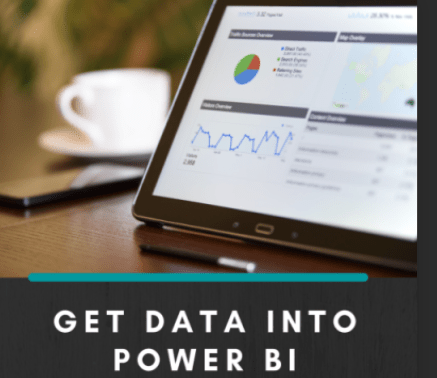
All about Parameters (PL-300)
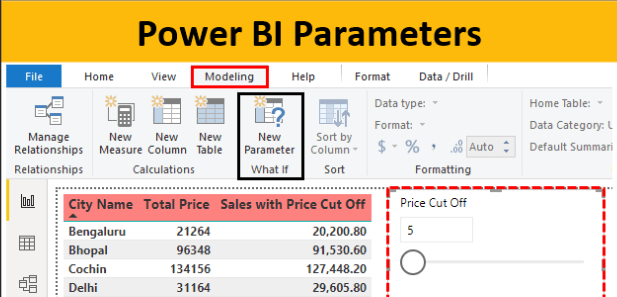
1. A parameter serves as a way to easily store and manage a value that can be reused. 2. Parameters give you the flexibility to dynamically change the output of your queries depending on their value, and can be used for: 3. Power Query provides…
Keep reading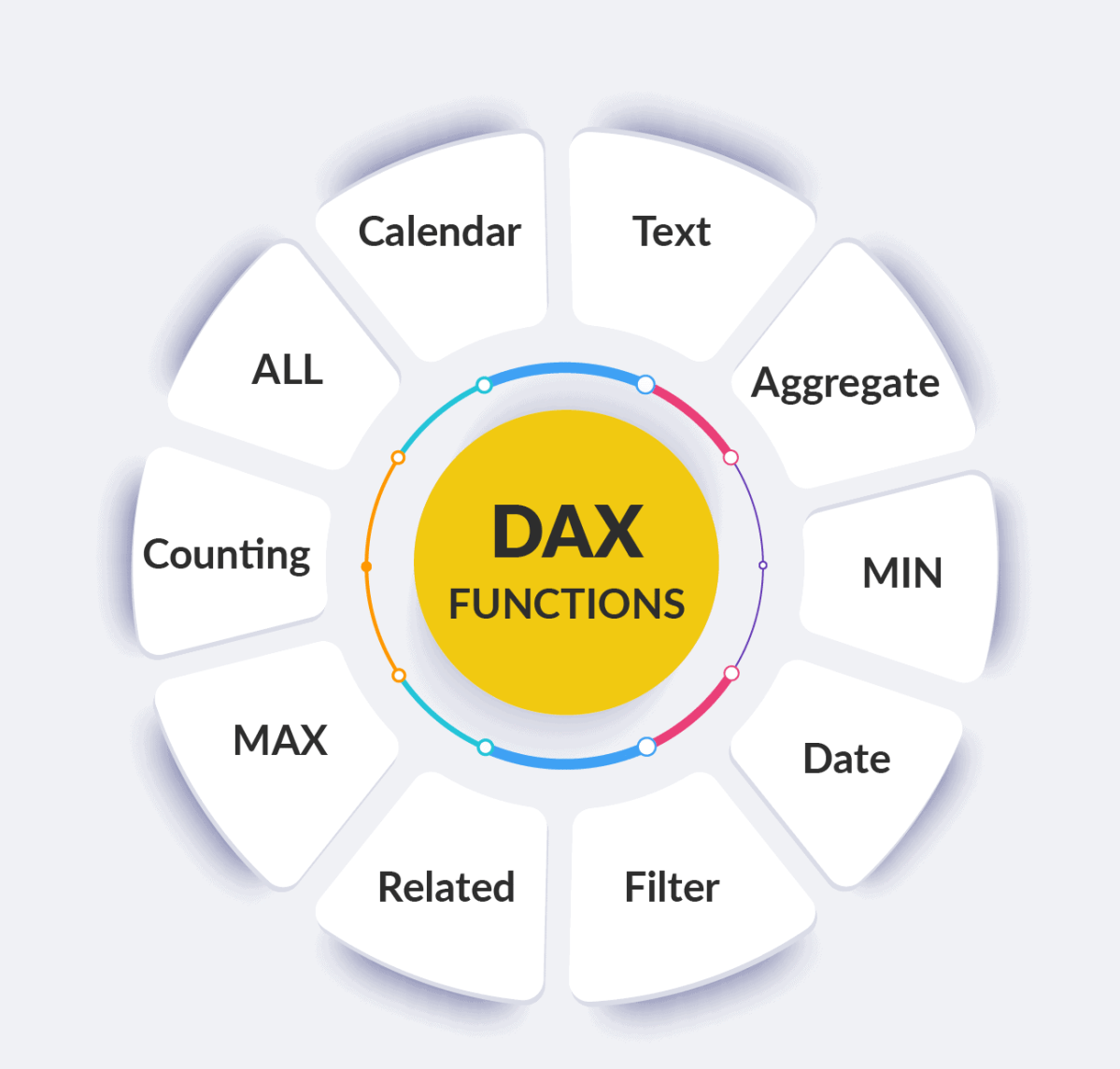
Foundation details about Modelling Data (PL-300)
Titbits of Information about Model data with Power BI from the Learning Path 1. Understanding the structure of semantic models can help you design the right model to support your reports and dashboards. A semantic model can be developed in many ways, yet one or…
Keep reading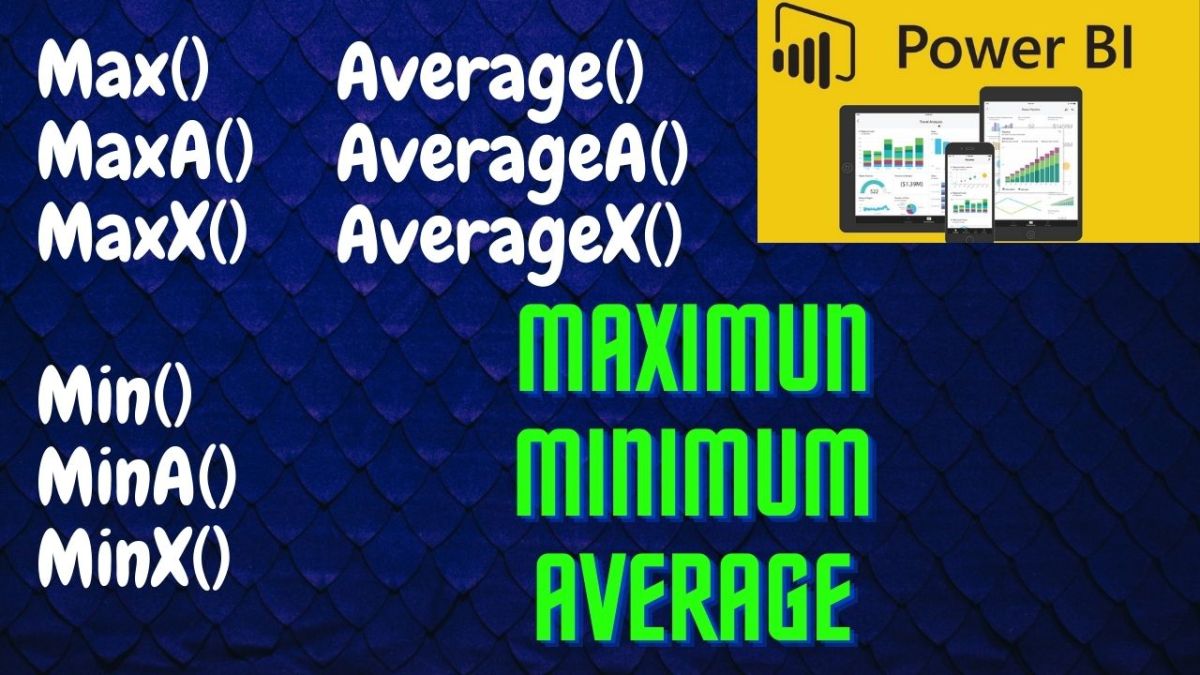
All types of Average, Max & Min (Statistical DAX)
Average, Max and Min are most commonly used in Excel and it’s quite handy to use this function combined with other calculations. Let’s learn different types of Max, Min & Average DAX functions. MAX() MAXA() MAXX() MIN() MINA() MINX() AVERAGE() AVERAGEA() AVERAGEX() The concept is…
Keep reading
All about Power BI Service (PL-300)
Key pointers from the MS Learning path for PL-300 Manage workspaces and datasets in Power BI 1. Workspaces have the highest level of security maintained by controlling who can access semantic models, reports, and dashboards 2. By default, when creating a workspace, you provide the…
Keep reading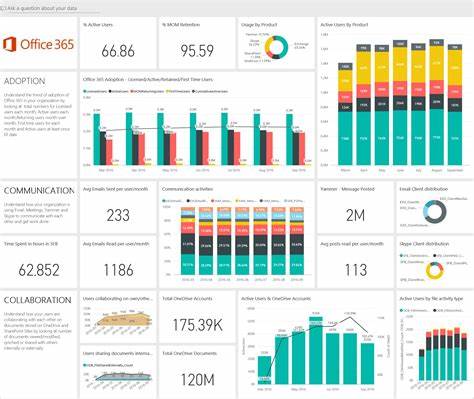
All about Build Power BI visuals and Reports (PL-300)
Key pointers from the MS Learning path for PL-300 Build Power BI visuals and reports 1. Goals while desiging the reports 2. An analyst is a person who provides guidance to the organization. Analysts can be responsible for a range of tasks, often with goals of determining…
Keep reading
All about Power – BI Mobile Apps (PL-300)
Key pointers from the MS Learning path for PL-300 Power – BI Mobile Apps 1. Microsoft Power BI offers a set of mobile apps for iOS, Android, and Windows devices. These mobile apps let you connect to and interact with your cloud and on-premises data…
Keep reading
A-Z COUNT DAX Functions (Statistical)
In this post, we are going to learn all the COUNT related DAX fuctions. 1 – COUNT() The COUNT function counts the number of cells in a column that contain numbers. Syntax: COUNT() For example, The following example shows how to count the number of…
Keep reading
Calculated Column vs Calculated Measure
Calculated Column vs Calculated Measure is the most commonly used term in Power BI. Both these features have many roles to play and it is important to understand the difference. You may ask why? Yes, using it appropriately will save you a huge amount of…
Keep reading
Helpful DAX resource
Do you know the common DAX functions can be easily learned in Power BI? DAX is simple to learn at a basic level, but advanced DAX skills require a deep understanding of storage & calculation, data engines, table & filter functions, relationships, iterators, etc., hence…
Keep reading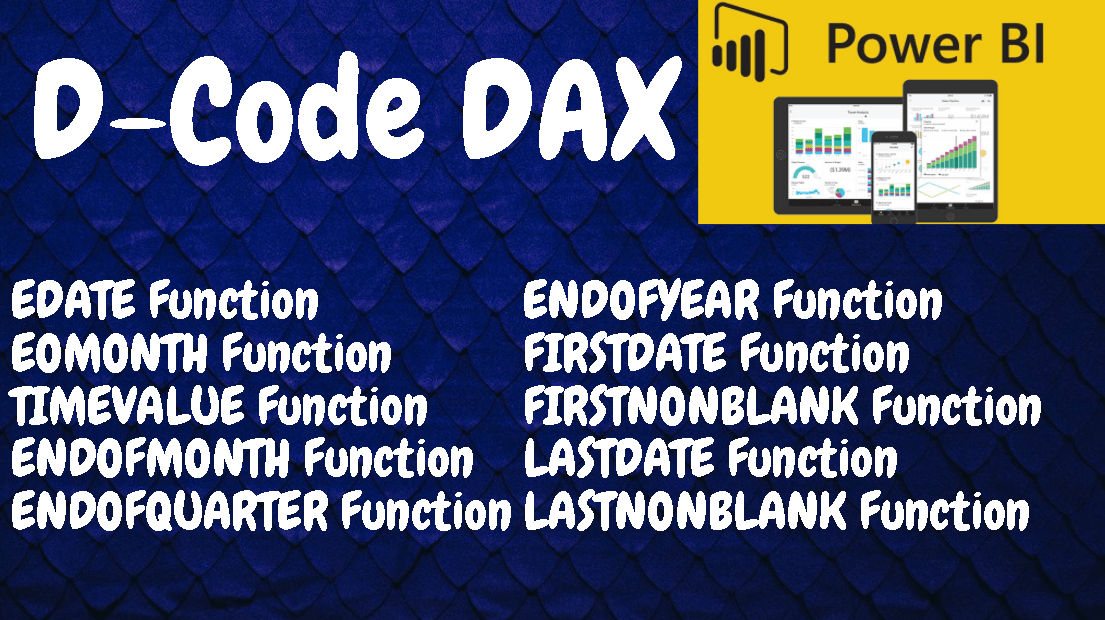
Common Date & Time Functions (DAX)
We saw the basic level Date and Time DAX function here. Now, let’s deep dive into some more commonly used Date and Time functions. EDATE Function EOMONTH Function TIMEVALUE Function ENDOFMONTH Function ENDOFQUARTER Function ENDOFYEAR Function FIRSTDATE Function FIRSTNONBLANK Function LASTDATE Function LASTNONBLANK Function EDATE…
Keep reading
DATEADD vs DATEDIFF vs DATEBETWEEN vs DATESINPERIOD
In this post, we are going to learn about the DATEADD, DATEDIFF, DATEBETWEEN, and DATESINPERIOD functions. These functions are very useful when dealing with dates. DATEADD Function (DAX) Definition: Returns a table that contains a column of dates that has been shifted or moved by…
Keep reading
How to move measure from one table to another in Power BI
Recently, I struggled to move the measures which I have created under wrong table in Power BI. I found an easy solution and here I’m with the post documenting my learnings. The ability to move measures from one table to another table exists in Power…
Keep reading
AllSelected & AllNoblankRow (DAX)
The filtering functions let you manipulate data context to create dynamic calculations. Today, lets learn about the new filter functions named AllSelected() and AllNoblankrow(). The filter functions in DAX are some of the most complex and powerful, also differ greatly from Excel functions. Check out…
Keep reading
All vs Allexcept
All and Allexcept are useful filter related DAX functions which will help in data analysis many ways. The ALL () Function returns all the rows in a table, or all the values in a column, ignoring any filters that might have been applied whereas ALLEXCEPT() ignores…
Keep reading
Sum vs SumX DAX
Lets begin by looking at the difference between the two of the most commonly used DAX function Sum and SumX in Power BI. In Layman words, SUMX is the sum of an expression iterated row by row, but whereas SUM is just summarizing values of…
Keep reading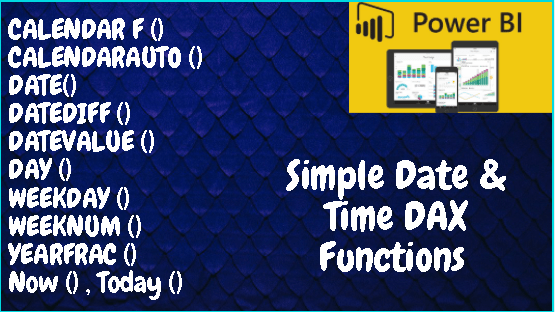
Date and Time Functions (Basic)
Date and Time Functions (DAX): Just like in MS Excel, there are a lot of similar DAX functions to work with Date and Time-related data in Power BI. They are very useful in many scenarios when dealing with data analysis or while representing dashboards using…
Keep reading
Create Calendar Table in 6 easy steps
You cannot find a dataset without the field “Date”. It can be created date, approved date, ordered date etc. All the data revolves around time. So it is important to create calendar table first as part of your dataset in Power BI. You can use…
Keep reading
Row-level security (RLS) with Power BI Desktop
With Power BI Desktop, row-level security (RLS) may be utilized to limit data access for certain users. You can set filters within roles to restrict data access at the row level. Members of a workspace who have access to datasets in the workspace in the…
Keep reading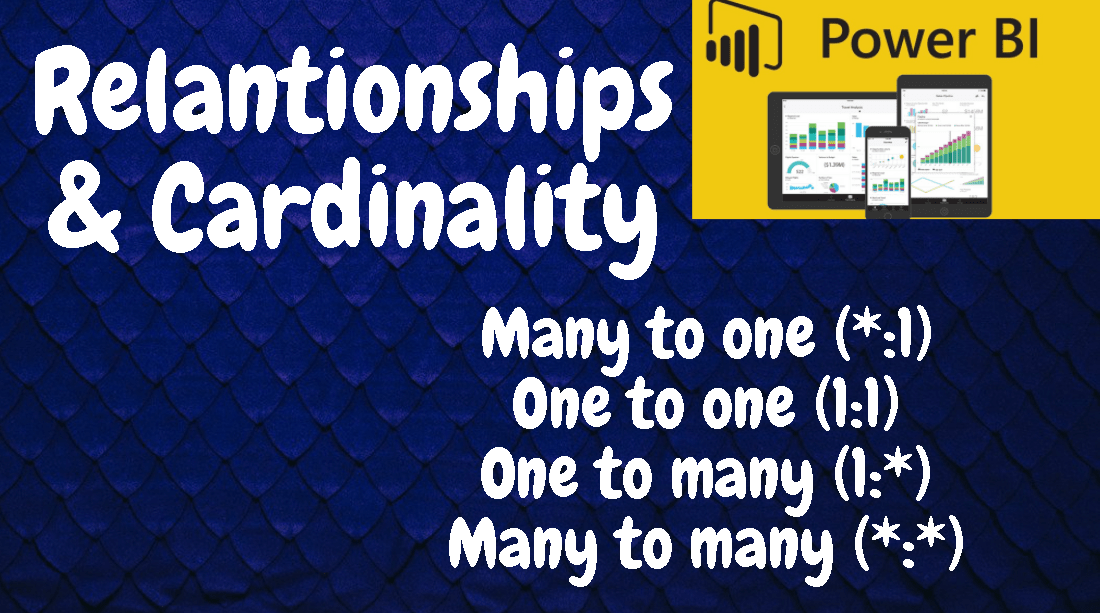
All about Cardinality
As we are aware of the fact and dimension table, it’s important to understand the relationship between the tables. It is where the cardinality comes into the picture. Cardinality is the directionality of a relationship, such as one-to-many, one-to-one, and so on. It describes the…
Keep reading
Fact vs Dimension Table
The first and foremost concept you need to understand in Power BI is the difference between the Fact and Dimension table. Relationships are defined between tables through primary and foreign keys. Relationships between tables are formed when you have primary and foreign keys in common…
Keep reading
5 Data Modelling Fundamentals
In this post, let’s understand the 5 important Data modeling fundamentals. They are the most important which one should focus as a beginner. If these are not understood enough, I repeat, it is important to get the basics right. Data and lookup tables & Primary…
Keep reading
How to Set Up Power BI Gateway
As you know, Power BI allows to connect various sources of data. One such data source is On premises data. It is important to configure the data gateway to enable the schedule refresh and stay updated with dashboard. Let’s recap the common sources of data…
Keep reading
6 Types of Joins in Power BI
Relationships are defined between tables through primary and foreign keys. This is the important part of data modeling. As soon as you import the data, one of the major step is to define the relationship between the tables to further perform calculations & analysis. Relationships…
Keep reading
Merge & Append Queries
The ability to combine queries is powerful because it allows you to append or merge different tables or queries together. Why we need to Merge / Append queries? You can combine tables into a single table in the following circumstances: Too many tables exist, making…
Keep reading
Profile Data in Power BI
What is data profiling? Why do we need to perform in Power BI. Yes, Data Profiling is a crucial part of data warehousing, data migration, and Business Intelligence projects. •You have to make sure the data which you are loading to the destination is in…
Keep reading
Clean and Transform data with Power BI Query
In this section 10, we are going to learn about the Cleaning & Transforming the data with Power BI Query || Automate Data Tasks in Power Query Editor. Why Do We Need To Clean / Transform The Data Live Demo Of Transforming The Data Best…
Keep reading
Query Folding and Query Diagnostics in Power BI
It is important that your Power BI dashboard is updated and refreshed as quickly and giving good performance to your dashboard users. Having query timeout error, more refreshing time is going to cause frustration to the users. Power BI has in built tools to check…
Keep reading
5 Common Data Import Errors in Power BI
In this post, we are going to see about the below topics in detail in the live demo video. •Various Reasons For Data Import Errors in Power BI •Error – 1 Query Timeout Expired – Causes & Resolution •Error – 2 We Couldn’t Find Any…
Keep reading
Import vs Direct Query vs Live Connect
Check the demo video for the detailed live explanation. Selection of a Storage Mode: The three different types of storage modes you can choose from: 1.Import – Import mode is the default while importing your data 2.Direct Query- you are creating a direct connection to…
Keep reading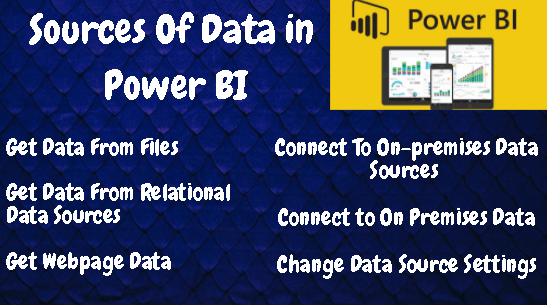
How to Get data in Power BI Desktop
I have briefly described the below topics in the video. 1.Sources Of Data 2.Real Time Demo In Power BI •Get Data From Files •Get Data From Relational Data Sources •Get Webpage Data By Providing Examples •Get Data From Online Services 3.Connect To On-premises Data Sources…
Keep reading
What is Power BI Desktop
Most Power BI report designers who work on business intelligence projects use Power BI Desktop to create Power BI reports, and then use the Power BI service to collaborate and distribute their reports. How to Install Power BI Desktop – 3 ways: Download from Microsoft Store – Link Here…
Keep reading
Power BI Report Server – On Premises Data
What is Power BI Report Server: As per Microsoft Website, Power BI Report Server is the on-premises solution for reporting today, with the flexibility to move to the cloud tomorrow. It’s included with Power BI Premium so you have the ability to move to the cloud on…
Keep reading
All about Power BI Service
As you know Power BI is a collection of software services, apps that work together to help you create, share dashboards. The Microsoft Power BI service (app.powerbi.com), sometimes referred to as Power BI online, is the SaaS (Software as a Service) part of Power BI. In the Power…
Keep reading
Get Started with Power BI — Everything you need to know in 6 steps
As beginner, you need to know the very important concepts in Power BI ( not here to tell you the definition of the Power BI:) ) Step 1: There are three important components in power BI: 1.Microsoft Windows desktop application called Power BI Desktop 2.an online…
Keep reading
Download Power BI E-Books (Free)
The COVID pandemic has paved way for self learning and its important that you take the right steps when you learn something new. Else eventually, you will lose interest or feel difficult. As Power BI is little complex yet simple UI, I would suggest start…
Keep reading
DA-100 Exam Preparation Guide & Checklist
Exam DA-100: Analyzing Data with Microsoft Power BI Microsoft has given comprehensive list of guide on DA-100 exam. The questions are broadly covered from the below sections. The key journey is learning the difference between Creating Reports Creating Models The best way to learn POWER-BI…
Keep readingAddins (3) Advanced Excel (18) Agile (23) Blog (21) business (1) Clarity (3) Cloud Computing (3) Confluence (3) Dashboards (21) Data Analytics (17) Data modelling (9) DAX (17) Downloads (2) excel (1) GenAI (8) Jira (12) kanban (1) KPI (2) Loop (1) Motivation (3) MS Project (1) MS Teams (3) OneNote Tutorial (2) Outlook (1) PMO (72) Power BI (50) Power BI Dashboards (1) Power BI Desktop (28) Power BI service (2) Powerpoint (5) Power Query (3) Product Development (2) Productivity Tips & Tricks (59) project-management (4) Project Governance (2) Project Online (1) Ravindrapandian (1) Roadmap (2) scrum (5) scrum-master (2) Sharepoint Online (2) Smartsheet (5) Sway (1) Team Bonding (1)
Get new content delivered directly to your inbox.
 LR Virtual Classroom