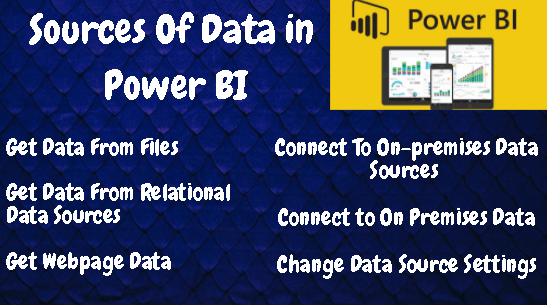
I have briefly described the below topics in the video.
1.Sources Of Data
2.Real Time Demo In Power BI
•Get Data From Files
•Get Data From Relational Data Sources
•Get Webpage Data By Providing Examples
•Get Data From Online Services
3.Connect To On-premises Data Sources With A Power BI Gateway
4.Change Data Source Settings
Addins (3) Advanced Excel (18) Agile (23) Blog (21) business (1) Clarity (3) Cloud Computing (3) Confluence (3) Dashboards (21) Data Analytics (17) Data modelling (9) DAX (17) Downloads (2) excel (1) GenAI (8) Jira (12) kanban (1) KPI (2) Loop (1) Motivation (3) MS Project (1) MS Teams (3) OneNote Tutorial (2) Outlook (1) PMO (72) Power BI (50) Power BI Dashboards (1) Power BI Desktop (28) Power BI service (2) Powerpoint (5) Power Query (3) Product Development (2) Productivity Tips & Tricks (59) project-management (4) Project Governance (2) Project Online (1) Ravindrapandian (1) Roadmap (2) scrum (5) scrum-master (2) Sharepoint Online (2) Smartsheet (5) Sway (1) Team Bonding (1)
Discover more from LR Virtual Classroom
Subscribe to get the latest posts sent to your email.
 LR Virtual Classroom