What is Power BI Report Server:
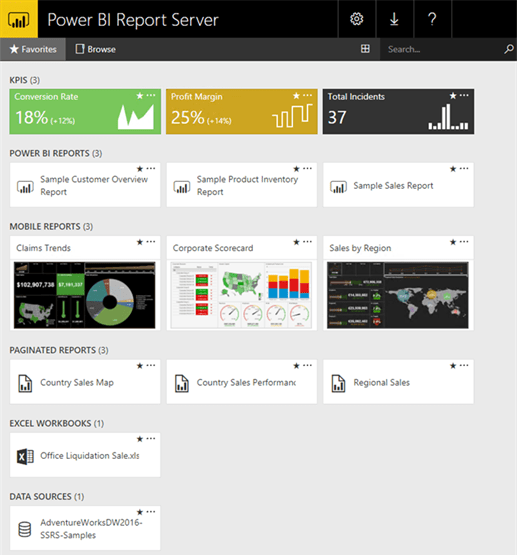
As per Microsoft Website, Power BI Report Server is the on-premises solution for reporting today, with the flexibility to move to the cloud tomorrow. It’s included with Power BI Premium so you have the ability to move to the cloud on your terms.
Report Server gives your users access to rich, interactive reports, and the enterprise reporting capabilities of SQL Server Reporting Services.
Explore visual data and quickly discover patterns to make better, faster decisions. At the same time, generate pixel-perfect paginated reports your business needs.
You also have the ability to scale to thousands of users because Power BI Report Server is based enterprise level platform.
How to Install Microsoft Power BI Report Server:
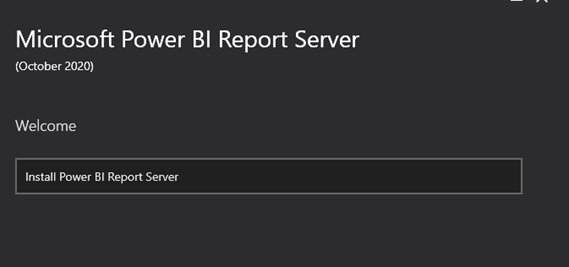
Visit https://powerbi.microsoft.com/en-us/report-server/ . Just like any other application, install the exe file.
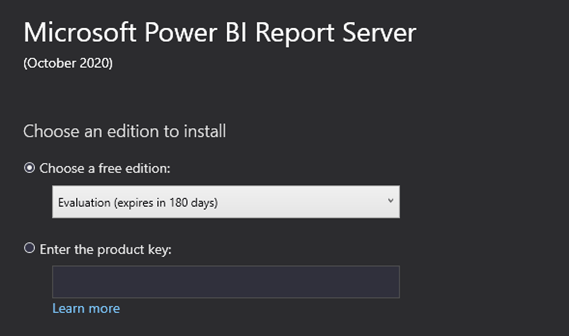
Try Power BI Report Server for free for 180 days.
Power BI Report Server is part of Power BI Premium – If you are Power BI premium capability, then you can enjoy the Power BI Report Server without requiring per user license for those consuming reports.
It is mandatory to install the Database Engine to use Report Server.
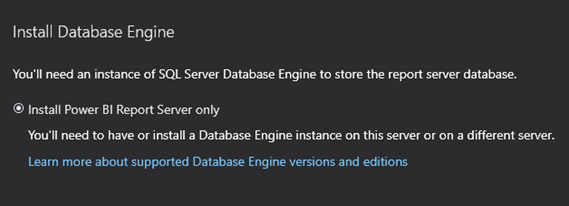
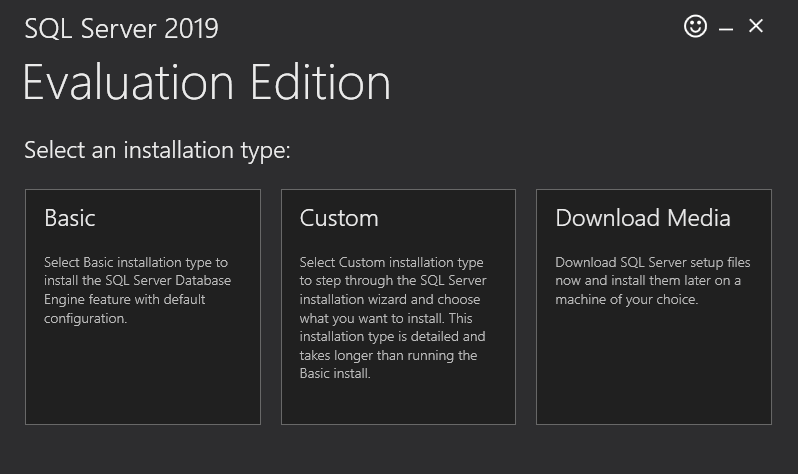
Use the link https://www.microsoft.com/en-in/evalcenter/evaluate-sql-server-2019 for downliang the SQL Server 2019.
Create, publish, and distribute Power BI reports:
Step 1: Install Power BI Desktop optimized for Power BI Report Server. …
Step 2: Select a data source. …
Step 3: Design your report. …
Step 4: Save your report to the report server.
Power BI Desktop for Power BI Report Server:
Version optimized for Report Server, available for download with Report Server. Download from here – https://powerbi.microsoft.com/en-us/report-server/
Version optimized for Power BI Service, available from the Windows Store – https://aka.ms/pbidesktopstore
Comparing Power BI Report Server And The Power BI Service
Microsoft has given a very good article listing the key difference between Power BI Report Server & Power BI Service.
https://docs.microsoft.com/en-us/power-bi/report-server/compare-report-server-service
Power BI Report server is pretty straightforward to use and to create reports and KPI’s.
Hope you found the post informative. Your valuable feedback, question, or comments about this post are always welcome by leaving me message on contact form is truly appreciated.
Addins (3) Advanced Excel (18) Agile (23) Blog (21) business (1) Clarity (3) Cloud Computing (3) Confluence (3) Dashboards (21) Data Analytics (17) Data modelling (9) DAX (17) Downloads (2) excel (1) GenAI (8) Jira (12) kanban (1) KPI (2) Loop (1) Motivation (3) MS Project (1) MS Teams (3) OneNote Tutorial (2) Outlook (1) PMO (72) Power BI (50) Power BI Dashboards (1) Power BI Desktop (28) Power BI service (2) Powerpoint (5) Power Query (3) Product Development (2) Productivity Tips & Tricks (59) project-management (4) Project Governance (2) Project Online (1) Ravindrapandian (1) Roadmap (2) scrum (5) scrum-master (2) Sharepoint Online (2) Smartsheet (5) Sway (1) Team Bonding (1)
Discover more from LR Virtual Classroom
Subscribe to get the latest posts sent to your email.
 LR Virtual Classroom