
As you know, Power BI allows to connect various sources of data. One such data source is On premises data. It is important to configure the data gateway to enable the schedule refresh and stay updated with dashboard. Let’s recap the common sources of data import in Power BI as listed below:
Sources of Data Files:
- Local
- Database
- OneDrive for Business / OneDrive – Personal – – Because both Power BI and OneDrive are in the cloud, Power BI connects to your file on OneDrive about every hour.
- SharePoint – Team Sites – Specify the URL
- On Premises data
- & Many more as shown in below screenshot
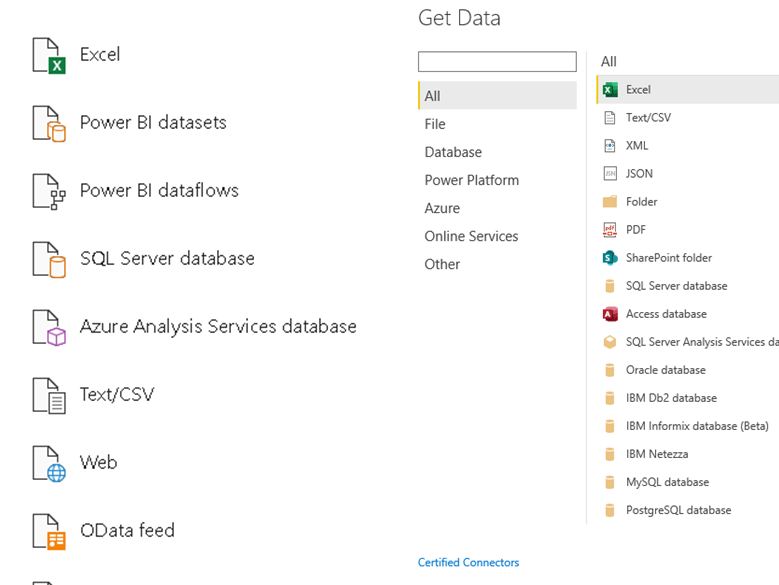
Why we need to Connect to on-premises data sources with a Power BI gateway
🔊Keep your dashboards and reports up to date by connecting to your on-premises data sources without the need to move the data.
🔊 Query large datasets and take advantage of your existing investments.
🔊 One gateway for all your cloud services – Install once and deploy multiple on-premises data connections across Power BI, Power Apps, Power Automate, and Azure Logic Apps using the same gateway.
Personal vs Standard Mode:
| On-premises data gateway (Standard mode) | On-premises data gateway (personal mode) |
|---|---|
| •Allows multiple users to connect to multiple on-premises data sources. | •Allows one user to connect to sources, and can’t be shared with others. |
| •You can use an on-premises data gateway with all supported services, with a single gateway installation. | •An on-premises data gateway (personal mode) can be used only with Power BI. |
| •This gateway is well-suited to complex scenarios with multiple people accessing multiple data sources. | •This gateway is well-suited to scenarios where you’re the only person who creates reports, and you don’t need to share any data sources with others. |
How to schedule refresh in On-premises?
Its important to set up gateway for you to enable the schedule refresh when you connect to On-premises database. Lets see how to troubleshoot the below error which I faced?
The below screenshot shows, I need to config my gateway in order to refresh my 5 datasets. The step by step procedure is shown below.
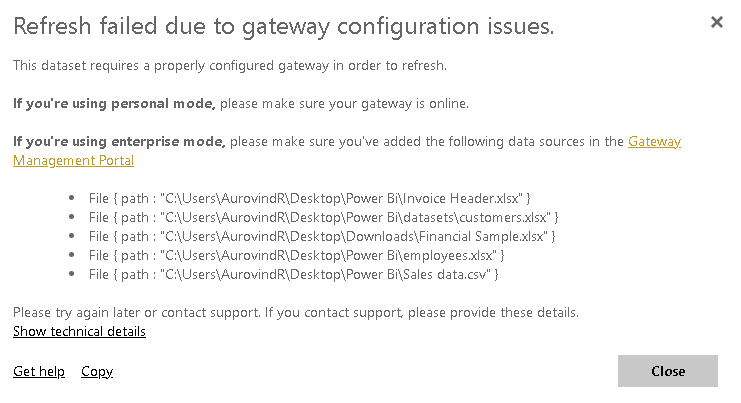
Step1:
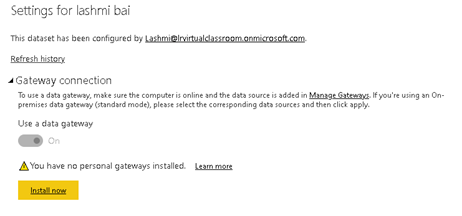
Step2:
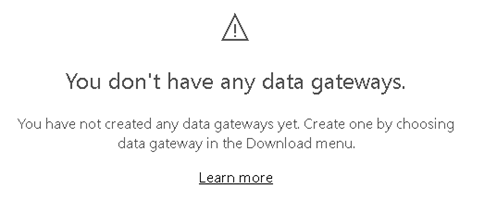
Step3:
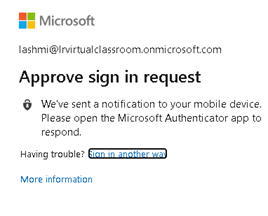
Step4:
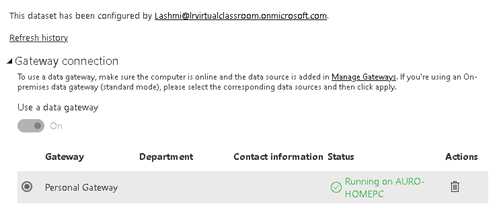
Step5:
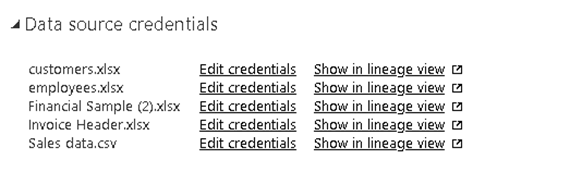
Step6:
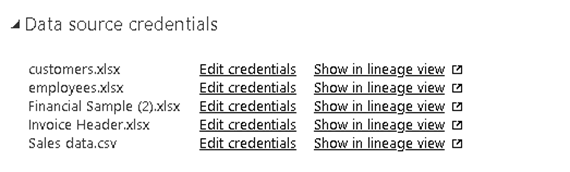
Step7:
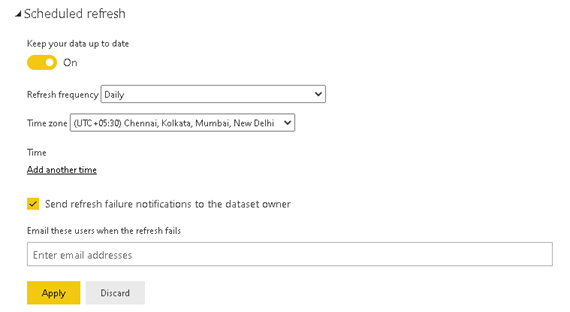
After setting up, you will be able to schedule refresh as shown below which is enabled for the 5 datasets.
Hope you found the post informative. Your valuable feedback, question, or comments about this post are always welcome by leaving me message on contact form is truly appreciated.
Discover more from LR Virtual Classroom
Subscribe to get the latest posts sent to your email.
 LR Virtual Classroom