Microsoft Excel is by far the most used application for data analysis. Mastering Excel is a must-have skill in many companies. It can also be a huge time-saver.
Add or remove an Excel add-in. Click the File tab, click Options, and then click the Add-Ins category. Click Insert Menu – Get Add-Ins.
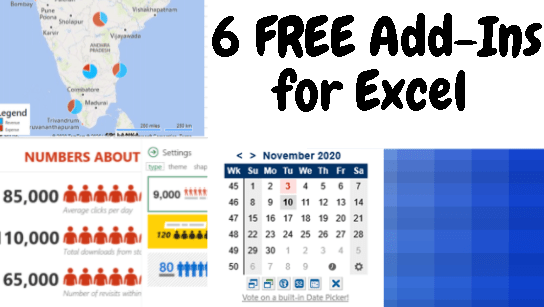
In this video, we are going to see the 6 Free Addin that is really going to help you automate the data and add colorful visualization to your dashboard.
They will improve your reporting, data analysis and make your life a LOT easier.
Additionally, here’s the bonus information about the 4 sources where I refer to the Power Point slide templates.
- Slidehunter
- Templatewise
- Powerpoint Slide
- Slide Geeks
Addins (3) Advanced Excel (18) Agile (23) Blog (21) business (1) Clarity (3) Cloud Computing (3) Confluence (3) Dashboards (21) Data Analytics (17) Data modelling (9) DAX (17) Downloads (2) excel (1) GenAI (8) Jira (12) kanban (1) KPI (2) Loop (1) Motivation (3) MS Project (1) MS Teams (3) OneNote Tutorial (2) Outlook (1) PMO (72) Power BI (50) Power BI Dashboards (1) Power BI Desktop (28) Power BI service (2) Powerpoint (5) Power Query (3) Product Development (2) Productivity Tips & Tricks (59) project-management (4) Project Governance (2) Project Online (1) Ravindrapandian (1) Roadmap (2) scrum (5) scrum-master (2) Sharepoint Online (2) Smartsheet (5) Sway (1) Team Bonding (1)
Discover more from LR Virtual Classroom
Subscribe to get the latest posts sent to your email.
 LR Virtual Classroom
One thought on “Top 6 FREE Add-Ins for Excel 2019”
Comments are closed.