15 Outlook Tips for Increased Productivity
Have you heard about Inbox Zero?
It is a productivity philosophy about dealing with a constant, life-long stream of email. It was first expressed by Merlin Mann on his 43Folders site, which is currently (and hopefully temporarily) unavailable but is mirrored by the Internet Archive (Source: Google).
In this current pandemic, it is evident that people are spending more than 28% of the time in a day in checking & replying to the emails.
Being in PMO, you will have more when compared to the other roles depending upon the projects and stakeholders you handle right. So it’s important to know the features in Outlook.
Below are the summarized features which I thought worth sharing for increased productivity. Of course, you might be knowing a few, I’m sure this helps you to recall it.
Here’s video explaining each tips.
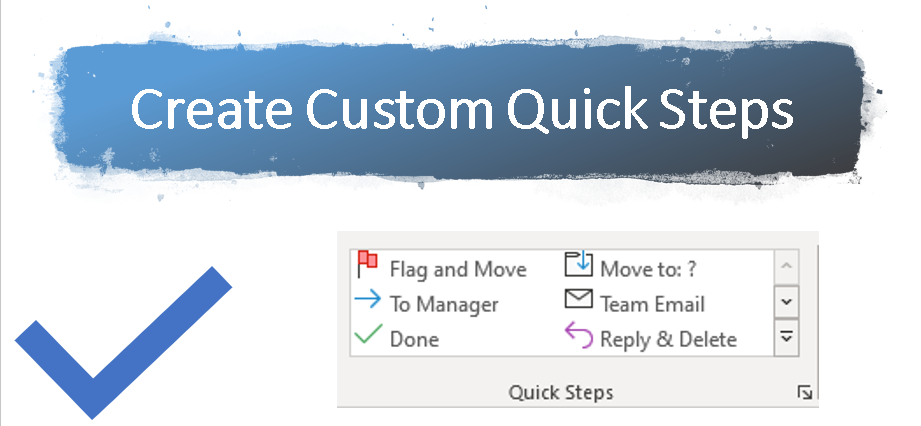
- Create Custom Quick Steps
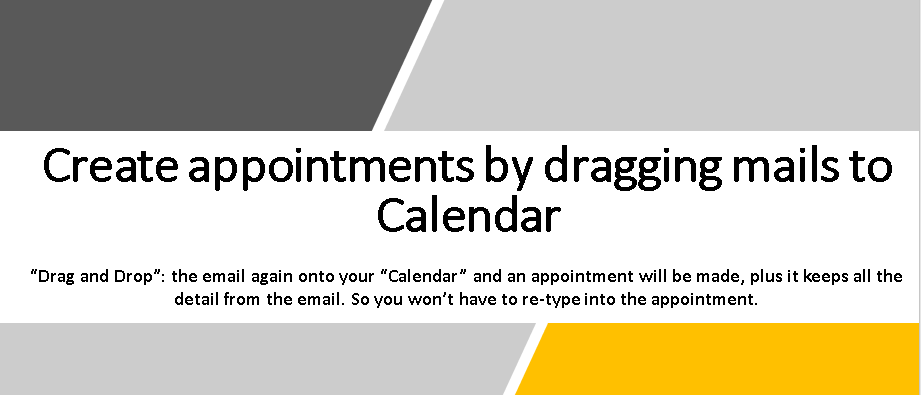
2. Create appointments by dragging emails to Calendar
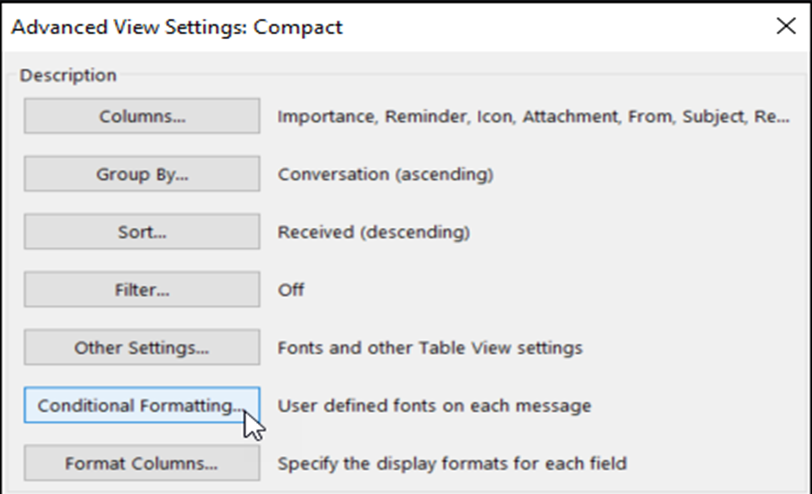
3. Conditional Formatting of Emails
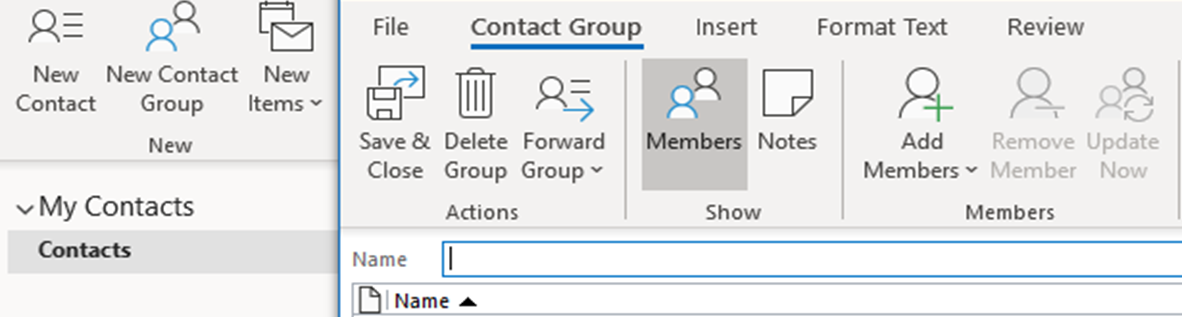
4. Create your own Distribution List in Outlook
5. Hyperlinks

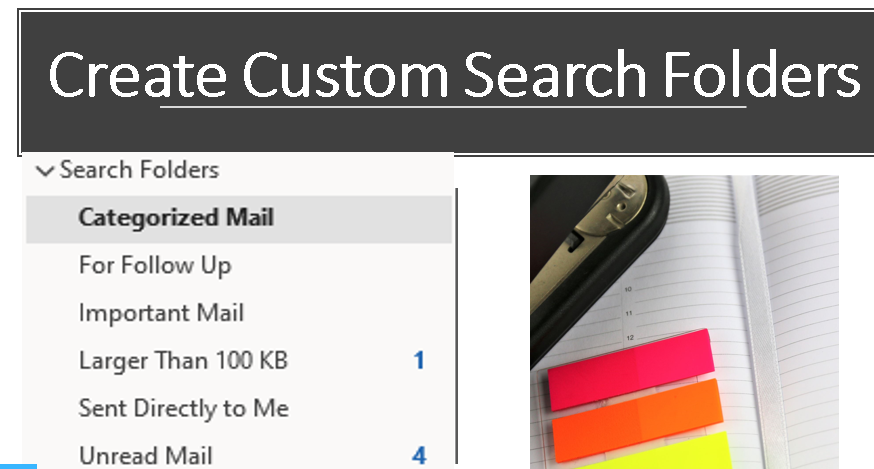
6. Create Custom Search Folders
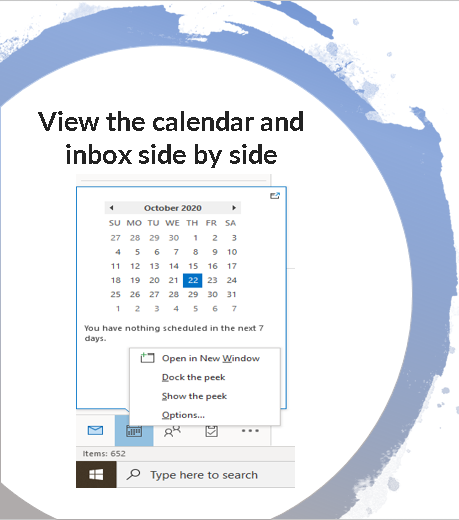
7. Open Calendar in New Window
It enables you to work in mailbox and Calendar simultaneously.
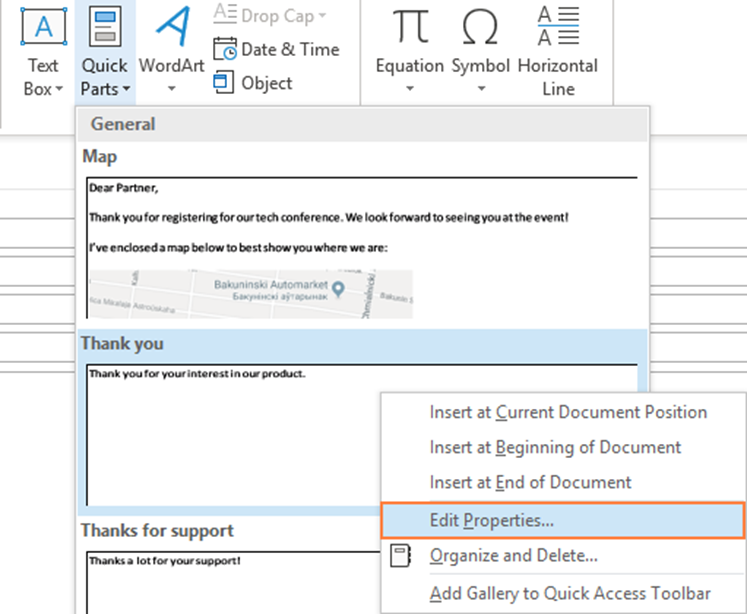
8. Quick Parts
It is a gallery of reusable pieces of content that you can quickly insert into your email messages as well as appointments
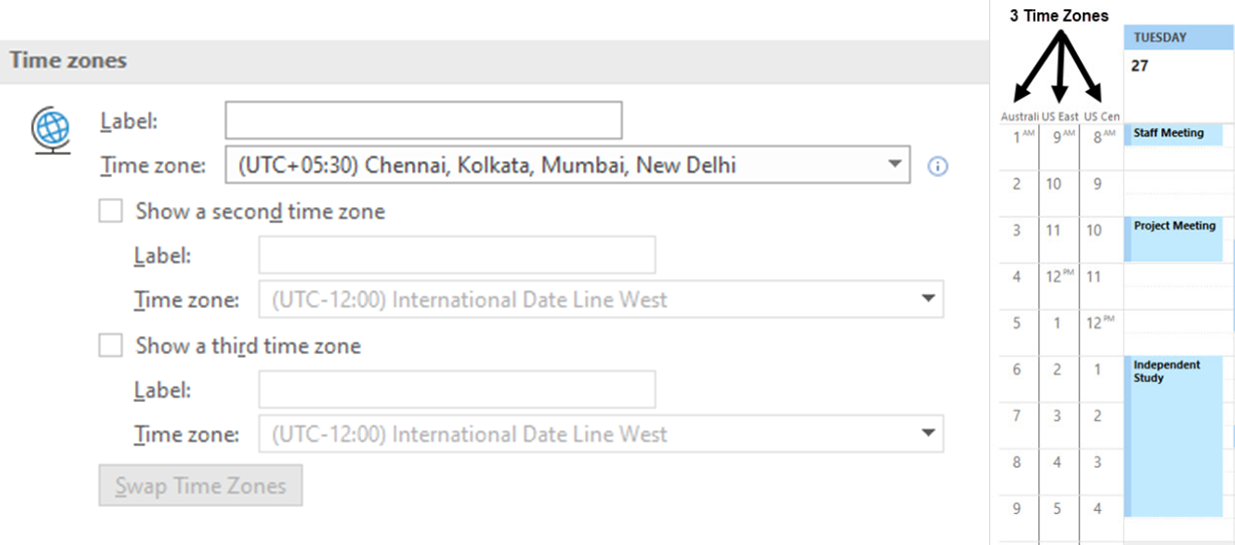
9. Add Three Time Zones in Calendar
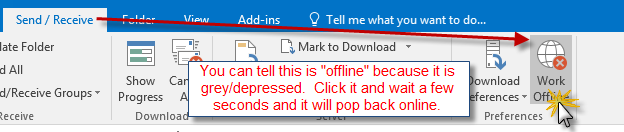
10. Work Offline
To Avoid Receiving Mail Notifications For Time Being
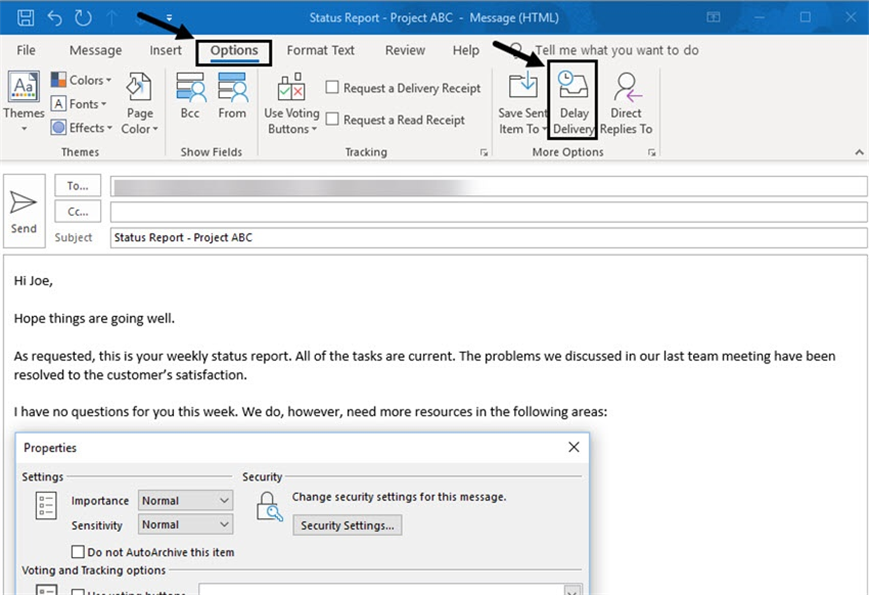
11. Schedule a Message for Future Delivery
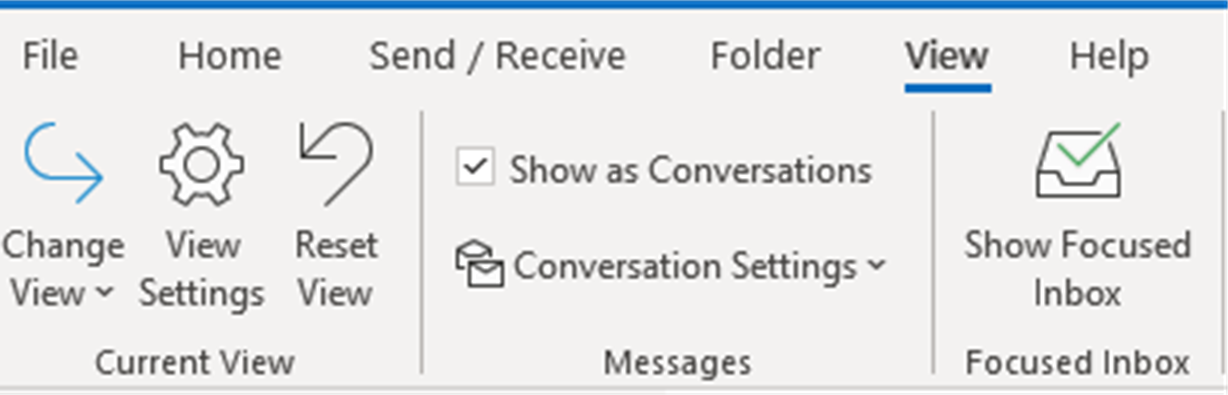
12. Show as Conversations
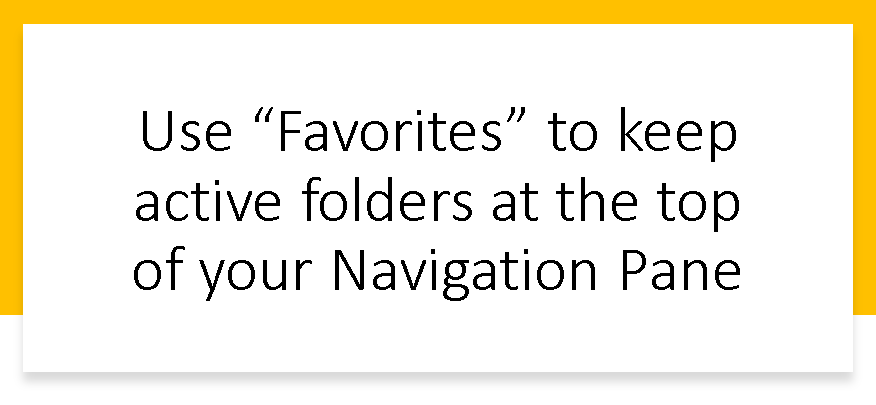
13. Favourites Folder
Use “Favorites” to keep active or frequently accessed folders at the top of your Navigation Pane.
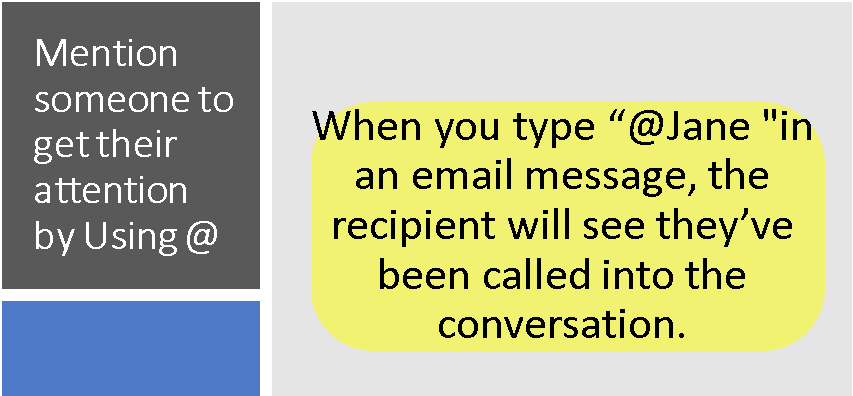
14. Use of “@” Symbol
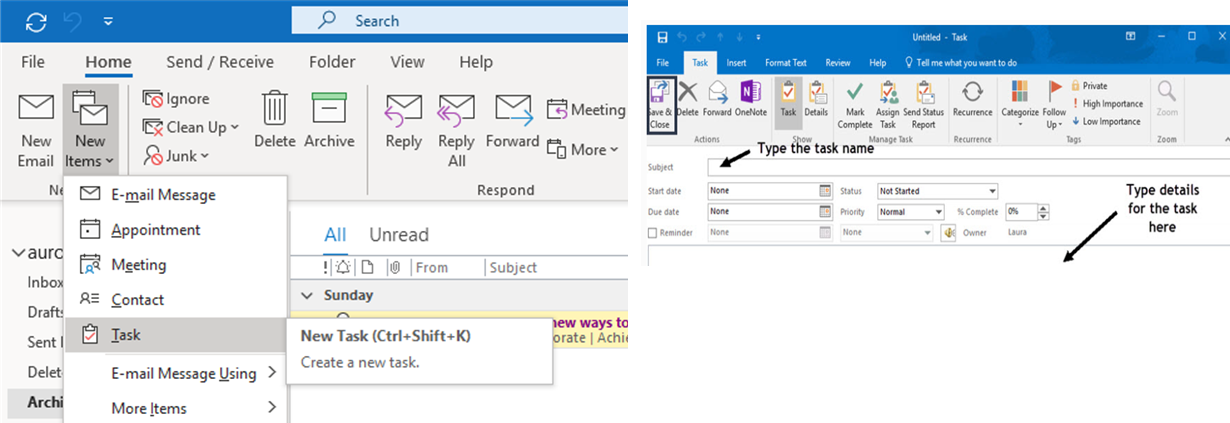
15. Use Your Calendar To Create A To Do List
Addins (3) Advanced Excel (18) Agile (23) Blog (21) business (1) Clarity (3) Cloud Computing (3) Confluence (3) Dashboards (21) Data Analytics (17) Data modelling (9) DAX (17) Downloads (2) excel (1) GenAI (8) Jira (12) kanban (1) KPI (2) Loop (1) Motivation (3) MS Project (1) MS Teams (3) OneNote Tutorial (2) Outlook (1) PMO (72) Power BI (50) Power BI Dashboards (1) Power BI Desktop (28) Power BI service (2) Powerpoint (5) Power Query (3) Product Development (2) Productivity Tips & Tricks (59) project-management (4) Project Governance (2) Project Online (1) Ravindrapandian (1) Roadmap (2) scrum (5) scrum-master (2) Sharepoint Online (2) Smartsheet (5) Sway (1) Team Bonding (1)
Discover more from LR Virtual Classroom
Subscribe to get the latest posts sent to your email.
 LR Virtual Classroom