Let’s see about the features and functionality in this post. Don’t forget to checkout my other posts on Smartsheet here.
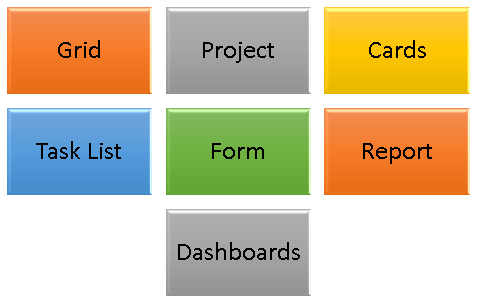
There are 7 major elements in Smartsheet and lets see one by one in detail.
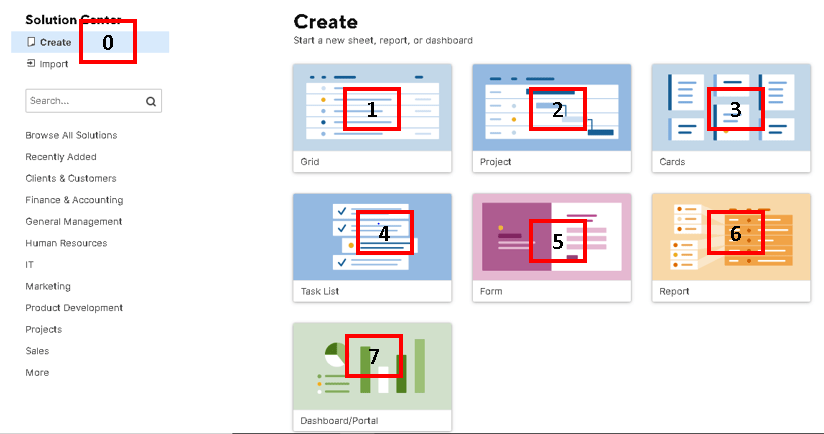
1. Grid—Has no predefined columns except for default columns—it’s a clean slate. Use this when you want to start from scratch. This is the first step in the Smartsheet.
2. Project—Includes common columns needed to create a project and enable Gantt chart functionality. You can create the complete program plan with work breakdown structure to monitor the program schedule, cost, resources. All the functionality in the MS Project is also available in Smartsheet.

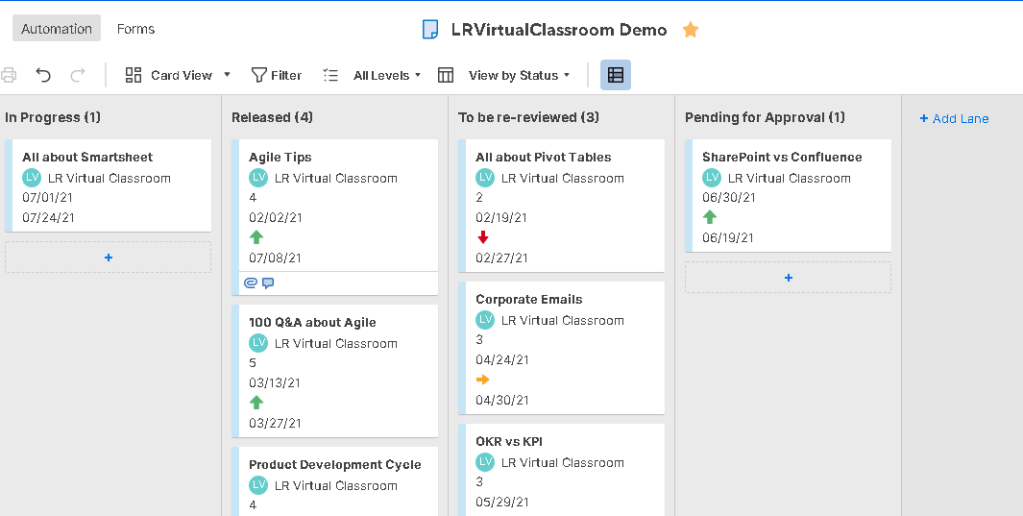
3. Cards – As we saw in the post – Are you aware of Different Views in Smartsheet, imagine cards like your Kanban boards. You can customize the cards/boards based on your requirements.
4. Task List—Includes several predefined columns, including Task Name, Due Date, Assigned To, Status, and Comments.

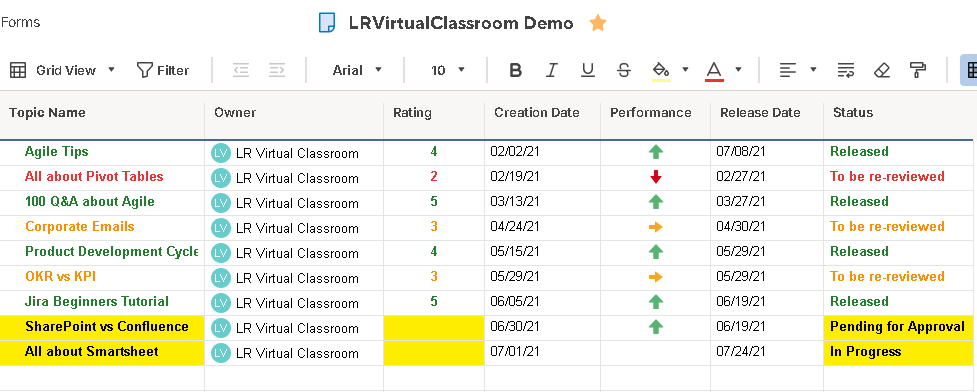
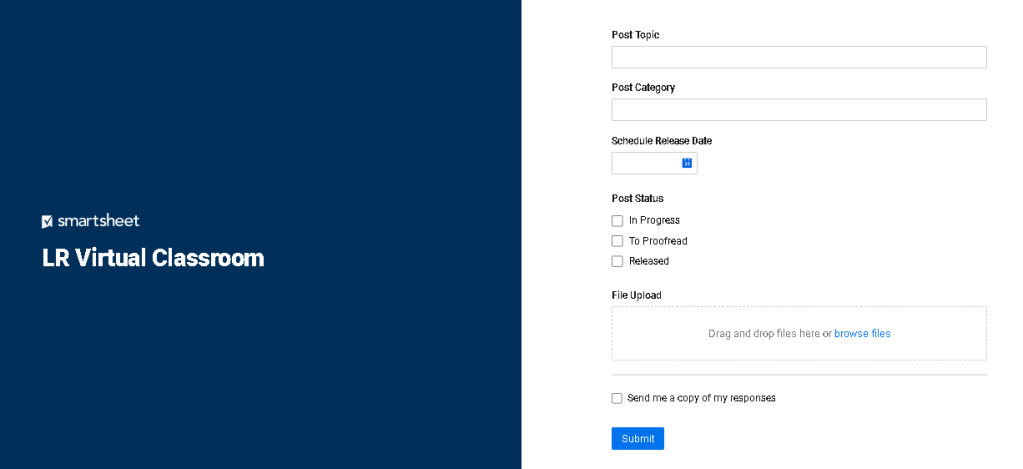
5. Form—Use this when you know you’ll want to collect information from others with a form. For example, to collect survey responses, new project requests, or gather product orders. I have created a sample form to review the post topic in LR Virtual Classroom and track their schedule release and status.
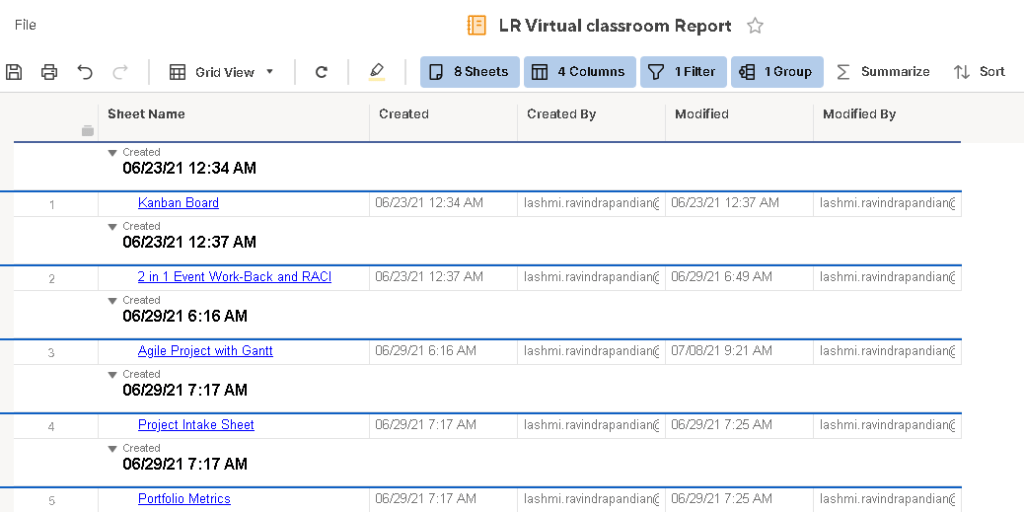
6. Report—Start here to create a report. There are two types of report you can create. Row Reports aggregates row information from multiple sheets & whereas Sheet Summary Reports display summary data from multiple sheets. Below is the sample Summary Report based on all the sheets created in the workspace.
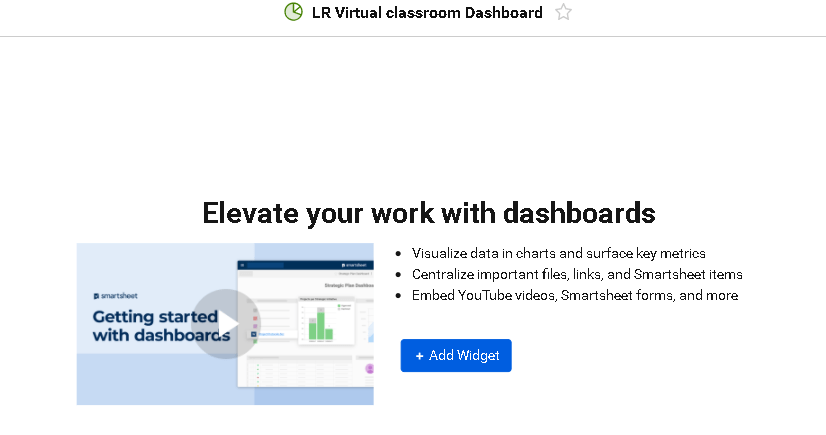
7. Dashboard/Portal—Allows you to create a visual summary of sheet data or an information hub. There are different types of widgets you can select from to create your customized dashboard that you want to provide to your team.
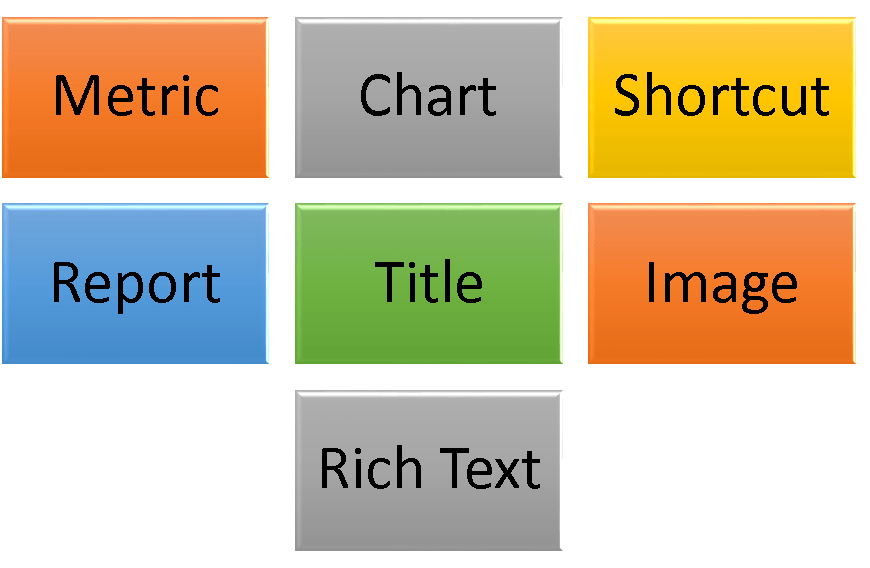
- Below is the list of commonly used widgets in Smartsheet Dashboard.
- Metric
- Chart
- Shortcut
- Report
- Tile
- Image
- Rich Text
Discover more from LR Virtual Classroom
Subscribe to get the latest posts sent to your email.
 LR Virtual Classroom