Do you know the common DAX functions can be easily learned in Power BI?
DAX is simple to learn at a basic level, but advanced DAX skills require a deep understanding of storage & calculation, data engines, table & filter functions, relationships, iterators, etc., hence we need helpful resources.
Let’s see the four helpful DAX resources which I recently came across and thought to bookmark here.
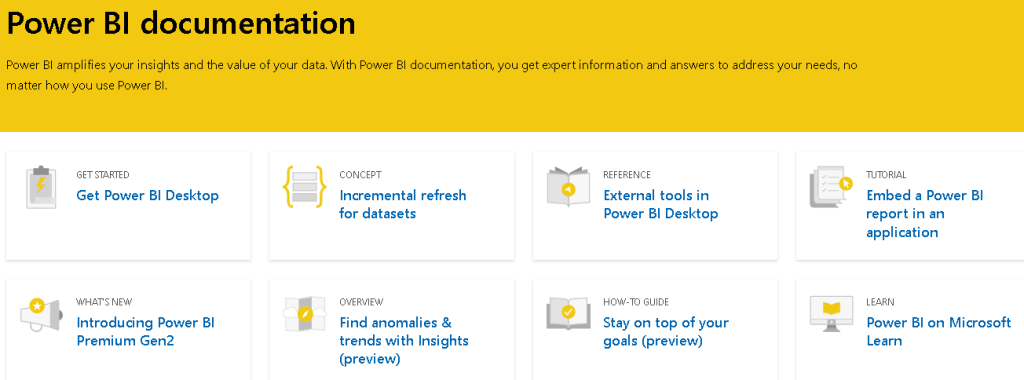
DAX resource 1: Microsoft DAX
Official Microsoft DAXs reference guide has tons of valuable information about DAX. They dig into the different DAX’s, functions, some statements, proper syntax, operators, queries.
There’s a whole bunch of resources that are available.
https://docs.microsoft.com/en-us/power-bi/
DAX resource 2: DAX Formatter
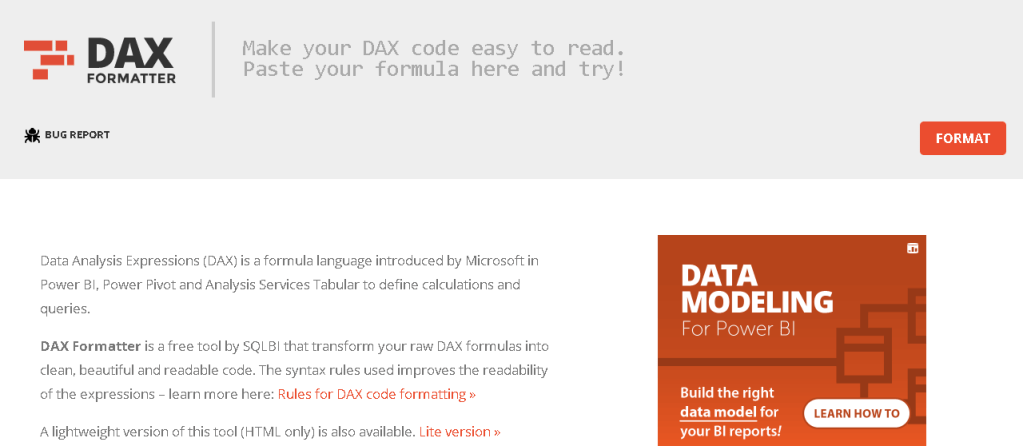
It’s a great tool. It allows you to copy and paste your DAX code into a UI hit format and format your code for you. This tool is provided by SQLBI.com
It’s great because it comes with some options where you can customize the code based on your regional settings or your personal preferences, meaning if you like, short lines or long lines.
DAX resource 3: DAX Guide
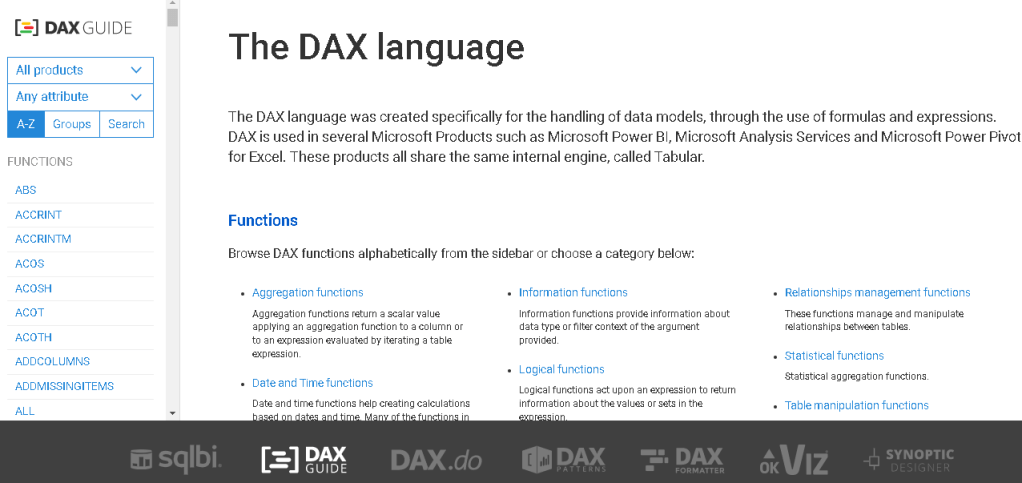
Next is the DAX guide. You can find it as mentioned below. You name the DAX function, they have got it.
They do a lot of great things on this site and they really dig into a lot of the context around which functions can be used with other functions, the different parts of functions that may be degraded and shouldn’t be used anymore.
They really provide a lot of detail and examples for the functions.
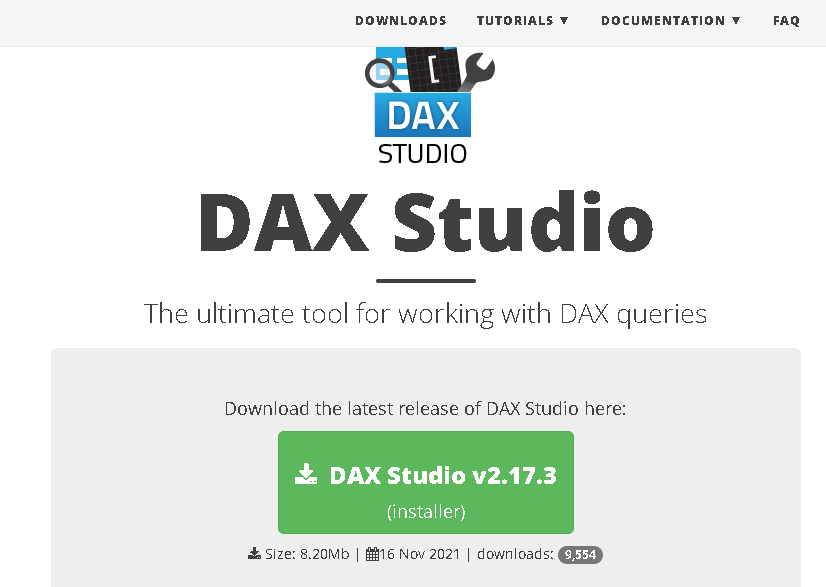
DAX resource 4: DAX Studio
DAX Studio is an open-source tool that allows you to write, execute and analyze DAX queries, as well as troubleshoot and optimize your code.
DAX Studio is a client tool for executing DAX queries against various data sources including:
- PowerPivot in Excel
- Power BI Desktop / SSDT Integrated Workspaces
- Analysis Services Tabular
- Azure Analysis Services
DAX Studio will scan the local machine for any running instances of Power BI Desktop or SSDT Integrated Workspaces
That’s the four important helpful resources for DAX.
Hope you found the post informative. Your valuable feedback, question, or comments about this post are always welcome by leaving me a message on contact form is truly appreciated.
Discover more from LR Virtual Classroom
Subscribe to get the latest posts sent to your email.
 LR Virtual Classroom