In the ever-evolving landscape of remote work and virtual collaboration, tools that foster creativity and teamwork are indispensable.
Enter the virtual Jamboard – a versatile digital whiteboard designed to bring teams together, no matter where they are. Wanna know my favourite Jamboard? Scroll till the end!
In this post, we’ll explore why and when to use a virtual Jamboard, its use case benefits, and the essential tools to enhance your experience.
Why Use a Virtual Jamboard?
- Interactive Collaboration: Virtual Jamboards facilitate real-time collaboration, allowing team members to brainstorm, share ideas, and build on each other’s input simultaneously. This interactive environment can spark creativity and enhance problem-solving.
- Remote Accessibility: With the rise of remote work, having a tool that can be accessed from anywhere is crucial. Virtual Jamboards are accessible from any device with an internet connection, ensuring that all team members can participate.
- Visual Organization: Organizing thoughts visually can lead to better understanding and retention of information. Virtual Jamboards allow users to create mind maps, flowcharts, and diagrams, making complex ideas easier to grasp.
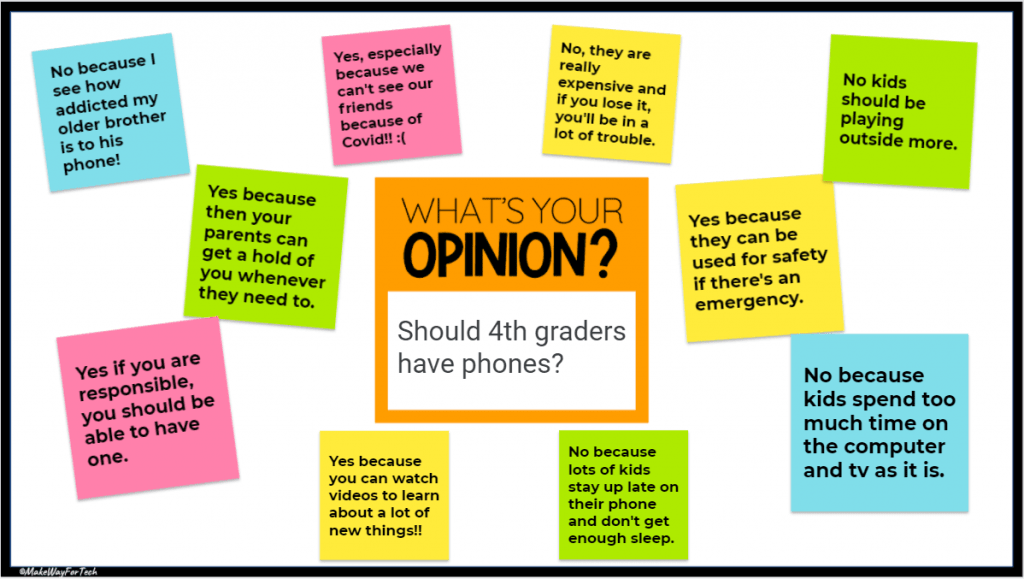
When to Use a Virtual Jamboard?
- Brainstorming Sessions: When generating new ideas, a virtual Jamboard can help teams visualize and expand on each other’s thoughts.
- Planning and Strategy Meetings: Use Jamboards to map out project plans, timelines, and strategies. The visual format helps in clearly defining roles and responsibilities.
- Workshops and Training: Engage participants in workshops or training sessions by allowing them to contribute to the Jamboard, making the learning experience interactive and collaborative.
- Problem-Solving: When tackling complex problems, a Jamboard can help break down the issues and collaboratively develop solutions.
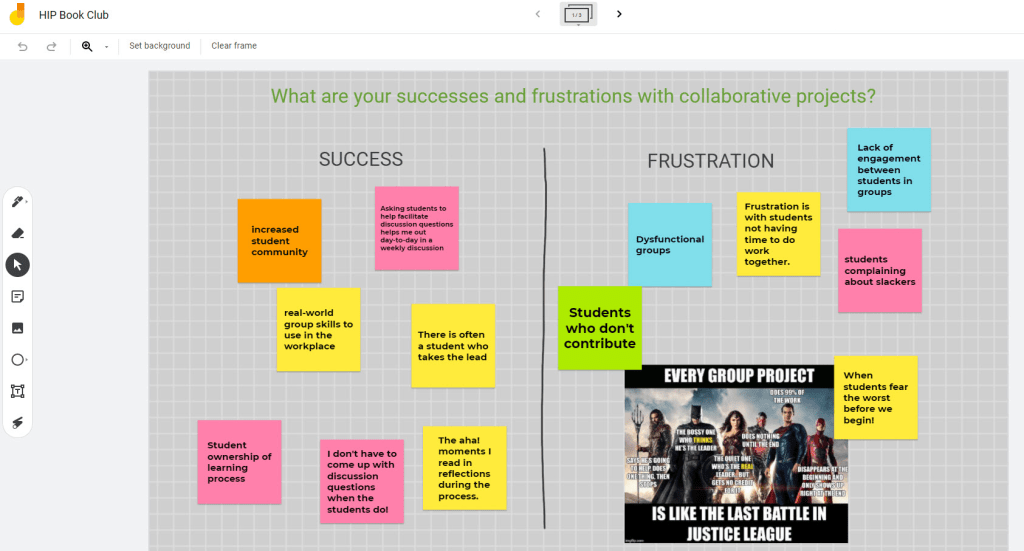
Use Case Benefits
- Enhanced Engagement: The interactive nature of Jamboards keeps participants engaged and active during meetings, leading to more productive sessions.
- Improved Communication: Visualizing ideas and processes helps in conveying complex information clearly, reducing misunderstandings.
- Increased Productivity: Real-time collaboration speeds up the brainstorming and decision-making processes, helping teams move from ideation to execution faster.
- Flexibility and Adaptability: Virtual Jamboards are adaptable to various use cases, from simple brainstorming to complex project planning, making them a versatile tool for any team.
Tools to Use with Virtual Jamboard
- Google Jamboard: A popular choice that integrates seamlessly with other Google Workspace tools. Explore Google Jamboard.
- Miro: A robust platform offering a range of templates and integration options for enhanced collaboration. Check out Miro.
- Microsoft Whiteboard: Ideal for teams already using Microsoft 365, this tool offers easy integration with other Microsoft apps. Discover Microsoft Whiteboard.
- Stormboard: Focused on idea generation and organization, Stormboard offers a range of features to streamline collaborative efforts. Learn about Stormboard.
- Lucidspark: Known for its intuitive interface and powerful collaboration features, Lucidspark is perfect for team brainstorming sessions. Visit Lucidspark.
Fun and Engaging Use Cases
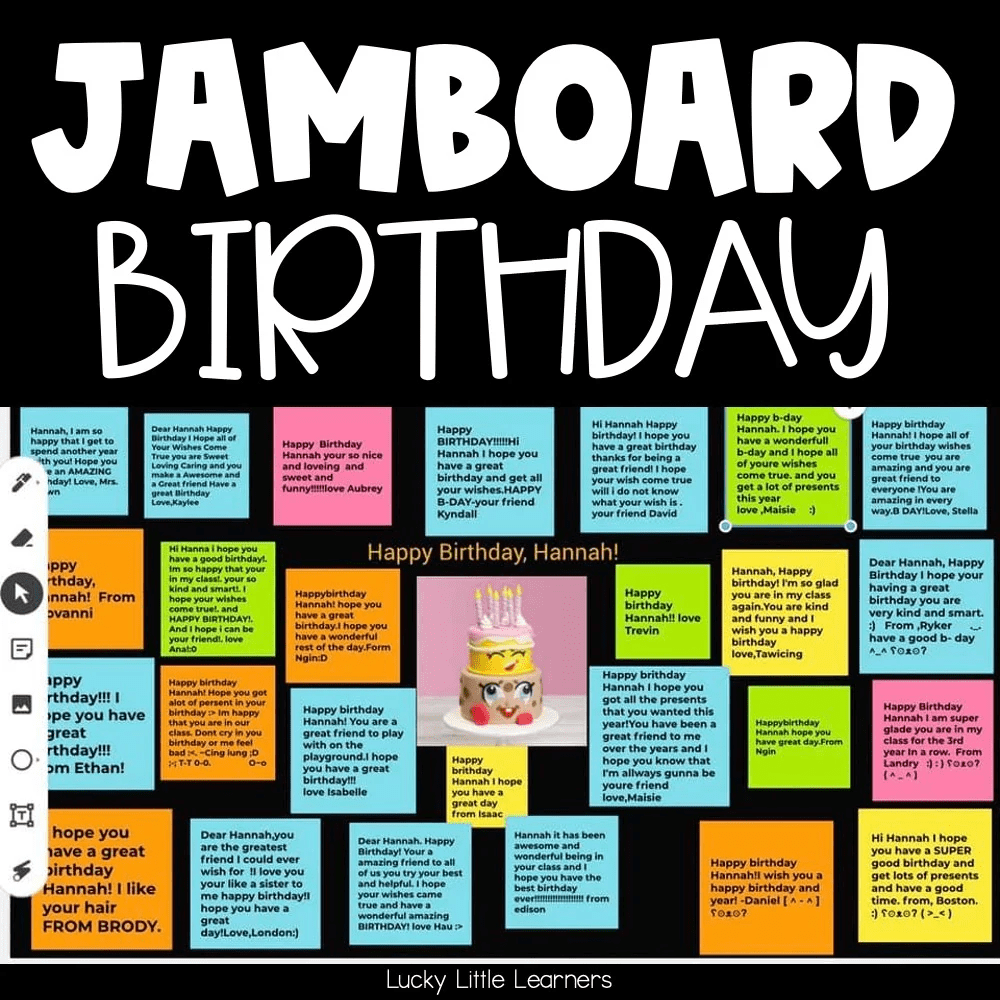
1. Birthday Wishes
Why and When to Use:
Celebrate a team member’s birthday in a fun and interactive way. Use a virtual Jamboard to collect messages, doodles, and virtual gifts from the entire team.
How to Do It:
- Create a Jamboard with a festive background and birthday-themed stickers.
- Invite team members to add their personal messages, drawings, and photos.
- Include interactive elements like virtual balloons that can be “popped” during a virtual party.
Benefits:
- Strengthens team bonds and morale.
- Makes the birthday person feel special and appreciated.
- Creates a memorable and personalized celebration.
2. Farewell Messages
Why and When to Use:
When a team member is leaving the organization, a virtual Jamboard can serve as a heartfelt way to send them off with good wishes and memories.
How to Do It:
- Set up a Jamboard with a background that reflects the team member’s time at the company.
- Encourage colleagues to write farewell messages, share favorite memories, and post photos.
- Add fun elements like a “memory lane” timeline or virtual confetti.
Benefits:
- Provides a meaningful and interactive way to say goodbye.
- Allows everyone to contribute, regardless of their location.
- Leaves the departing team member with a keepsake of their time with the team.
Conclusion
Incorporating a virtual Jamboard into your team’s workflow can significantly enhance collaboration, communication, and productivity.
Whether you’re brainstorming, planning, problem-solving, or celebrating, these digital whiteboards provide a flexible and engaging platform for bringing your ideas to life.
Explore the tools mentioned above to find the perfect fit for your team’s needs and start experiencing the benefits of virtual Jamboards today!
By making your meetings more interactive and visually engaging, virtual Jamboards can transform the way your team collaborates and innovates. Give them a try and see the difference they can make!
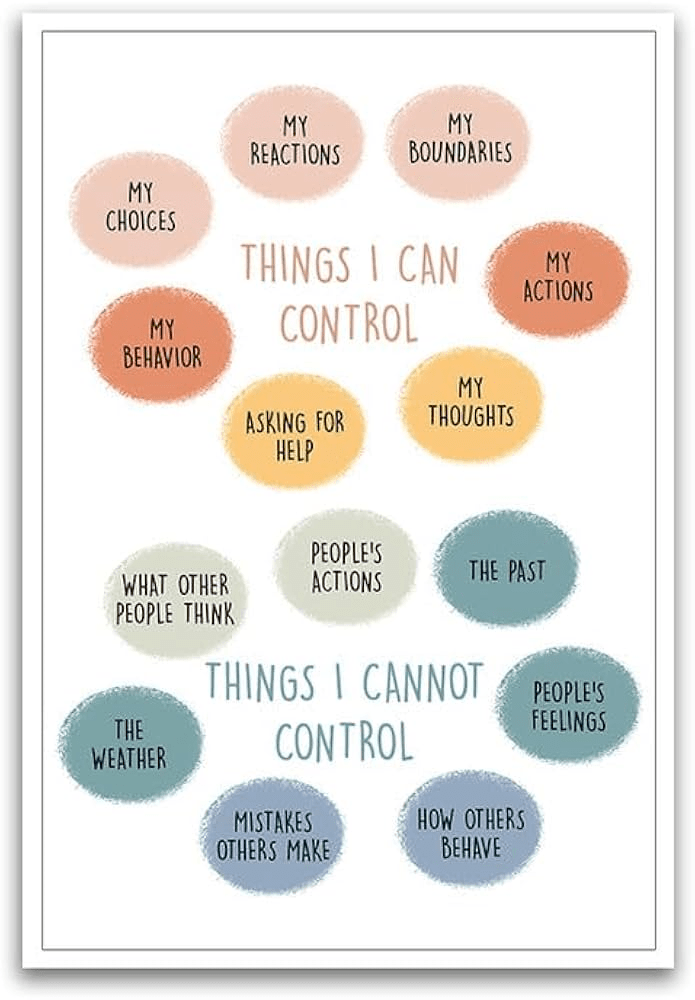
This is my favourite Jamboard
Discover more from LR Virtual Classroom
Subscribe to get the latest posts sent to your email.
 LR Virtual Classroom