Being in PMO, you will get to play with numbers and provide objective data for decision making.
Number crunching is a term for processing numerical data from which to draw conclusions and provides context to business situations, decisions and results.
Lets see some of the tips to keep in mind while creating finance related excel templates.
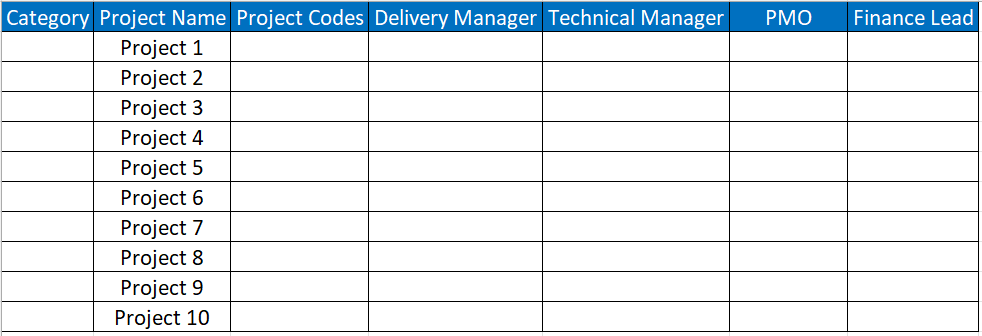
Tip – 1 : Summary Sheet
Summary of all projects is the very important sheet which is usually neglected.
It is the first and foremost sheet to create in any project finance related templates.
Sample sheet as below:
Tip – 2: Commentary Sheet
Commentary sheet – This is something very useful to capture key notes / changes in each project every month.
Unlike stuffing in the mails, creating a separate sheet like below will help to provide bird’s eye view of the project status and changes.
A way to recap the history.
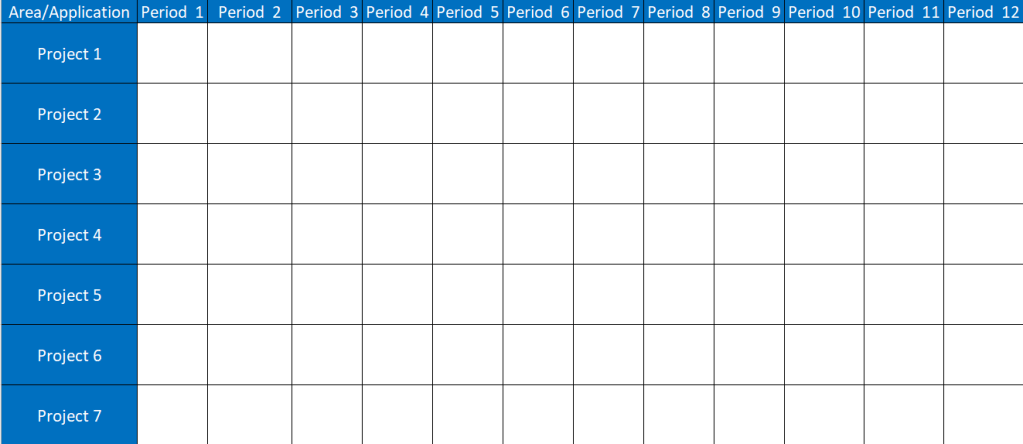
Tip -3 – Annual Budget Sheet
When it comes to financials, usually data is sliced and diced to weekly, monthly, quarterly and annual wise.
Creating a separate sheet for each will help you to understand the metrics qualitatively and quantitatively.
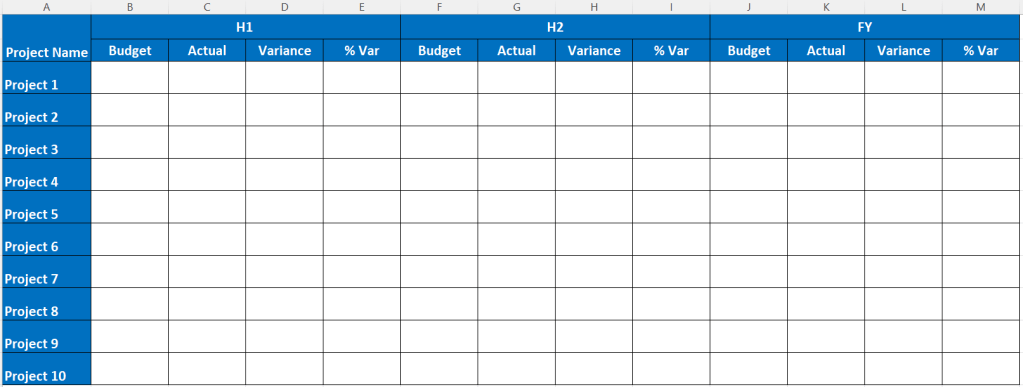
Tip – 4 : Quarterly Summary
It is very important to breakdown your OKR’s as details as possible. Having quarterly summary as below helps you to take proactive preventive action based on the actuals.
It will help you to know whether you need to push certain decisions to Q2 or Q3.

Tip – 5 : Monthly Summary
Monthly summary is very common in any templates.
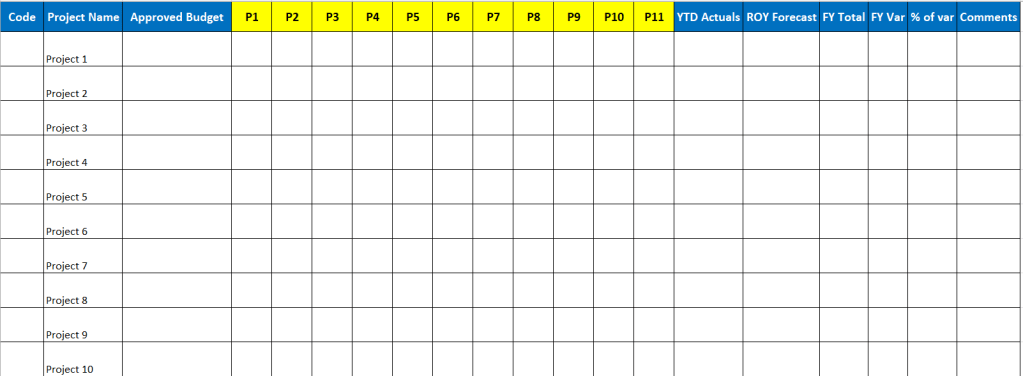
Ensure the ROY ( Rest of the year) details are added so that you know where you stand against overall approved budget every month.
Below is the sample sheet showing below metrics.
- Period wise forecast
- YTD Actuals – Year till date
- ROY – Rest of year Forecast
- FY Var
- % of Var wrt Approved Budget
Tip – 6: P2P comparison
P2P means period to period comparison.
Say you have forecast of 150k. Due to delay in hiring of resources, the forecast is reduced to 135k. This is underspend amount.
this underspend amount can be spent in future years within the project or it can returned to management.

Do refer the post on the tips to follow while creating template.
Discover more from LR Virtual Classroom
Subscribe to get the latest posts sent to your email.
 LR Virtual Classroom